Direct Answer
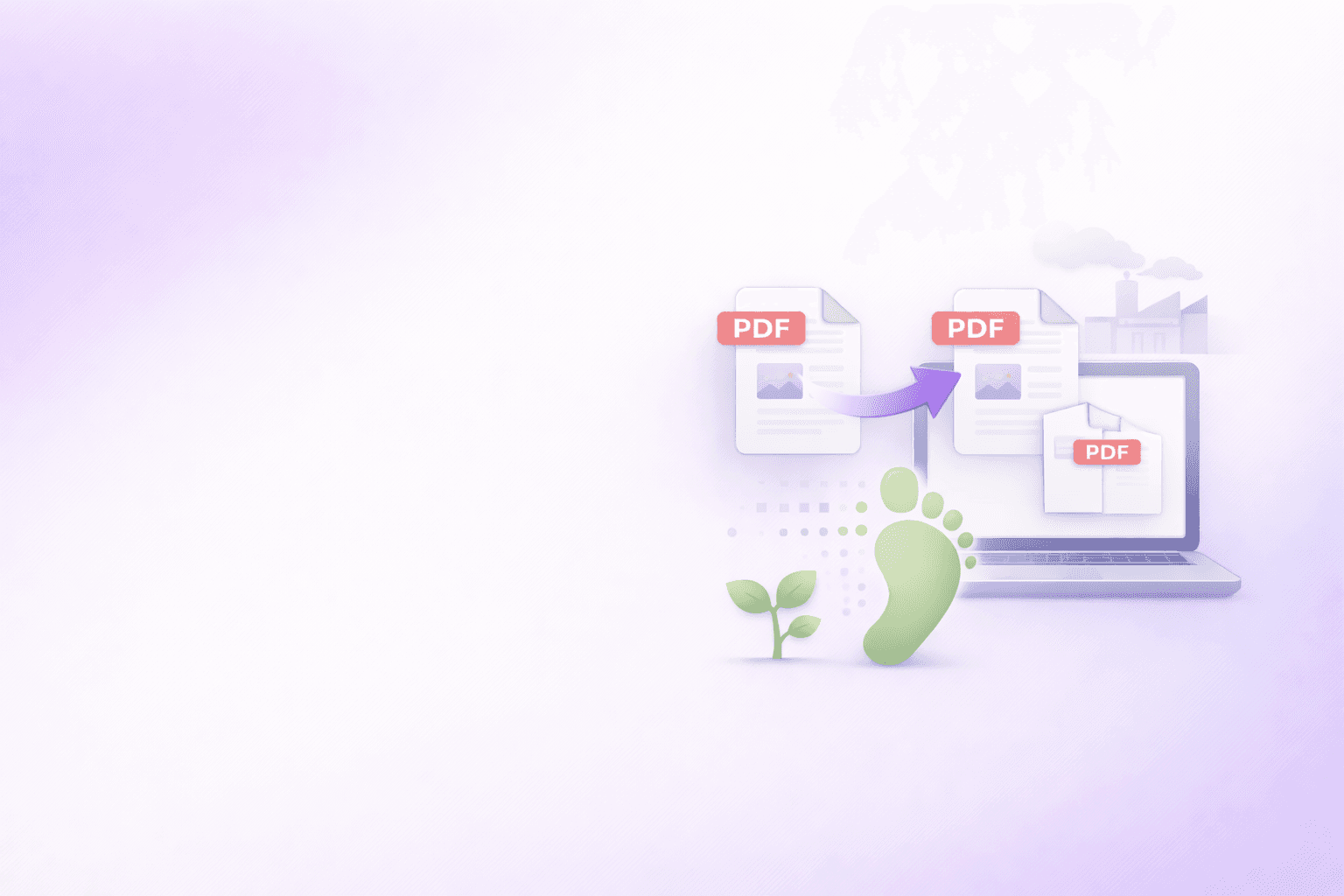
For routine PDF work, client-side processing is greener than the cloud because it avoids extra uploads, downloads, storage, and server compute. The device is already on and in use. The cleaner system is the one that does not add unnecessary data-center work to a simple document task.
“Green software” has become a real engineering constraint in 2026. The conversation is maturing. Teams no longer stop at carbon-neutral hosting pages and offset claims. They want to know whether the architecture itself is efficient.
That is the right question for document tooling.
A PDF merge looks tiny, but at scale it repeats constantly: board packs, claim packets, onboarding bundles, procurement files, customer attachments, research archives. When every one of those small jobs makes a round trip through a cloud service, the infrastructure overhead adds up.
The performance side of the same decision is covered in JavaScript vs Wasm for Large Browser PDF Merges. This article looks at the sustainability side of that architecture.
Why a PDF merge has a carbon footprint at all
The Green Software Foundation’s SCI model treats software emissions as a systems problem. Its software boundary can include compute, storage, networking equipment, memory, logging, backup, monitoring, end-user devices, and edge devices.
That matters because a cloud PDF merge is not just “some CPU in the cloud.” It is a chain:
- user device reads the files
- network uploads the files
- cloud infrastructure stores or buffers them
- remote compute processes them
- the result is stored or streamed
- network downloads the output
- logging and supporting systems track the transaction
For one job, that may look negligible. For thousands of jobs a day, it becomes a design choice with real energy consequence.
Why cloud-based document tools add avoidable overhead
Cloud-based tools are useful for some workloads. But for routine deterministic tasks like merge, split, reorder, rotate, and page removal, they often add infrastructure that the job does not actually need.
That is the key green coding insight:
If the work can happen on the device already being used, the cloud version adds:
- network transfer
- server compute
- transient storage
- supporting data-center overhead
The Green Software Foundation’s SCI framing also emphasizes elimination over offsets. Reducing the underlying work is better than paying to compensate for work that did not need to happen.
That is why “cloud-based” can become data-center waste in the narrow case of simple PDF operations. Not because all cloud is bad, but because the architecture is oversized for the task.
Green hosting vs. edge processing
This is the comparison many teams still get wrong.
Green hosting tries to reduce the carbon cost of server-side work.
Edge processing asks a different question: can we avoid the server-side work for this task altogether?
For document tooling, those are not the same thing.
If a tool uploads every PDF to a server, it still consumes energy across the network and the data center even if that provider buys clean energy or runs efficient facilities. By contrast, a local-first architecture can keep the task on the user’s device and remove much of that infrastructure from the per-document path.
That is why edge processing is such a strong fit for routine PDF jobs. The user already has the browser open. The CPU is already engaged. The most sustainable move is often to finish the work there.
Why client-side processing is the greener default
ShellPDFs was designed around this principle for a large set of tools:
- Merge PDF
- Split PDF
- Organize PDF
- Remove PDF Pages
- Rotate PDF
- Password Protect PDF
- PDF to JSON / Excel
- Markdown Converter
These workflows benefit from client-side processing because they are:
- deterministic
- bounded
- interactive
- sensitive to privacy
- often small enough to run on the local machine comfortably
This is also where Wasm (WebAssembly) fits the sustainability story. Wasm gives the browser a more efficient execution model for byte-heavy or parse-heavy workloads, which helps keep more document operations on the edge without needing a server trip.
The result is not “free energy.” The device still performs work. But the system boundary is smaller, and that is the point.
A simple carbon model for one merge
Think about a single 20-file merge.
Cloud-first model
- read files locally
- upload all inputs
- process in remote infrastructure
- store or buffer result
- download output
- record logs and job metadata
Local-first model
- read files locally
- process in-browser
- download output directly from browser memory
The local-first path still uses the end-user device. The difference is that it avoids adding server, storage, and network overhead for that merge transaction. Under an SCI-style systems view, that is a meaningful reduction in software boundary for the job.
The greenest PDF workflow is often also the fastest and most private one. Architectural efficiency tends to improve all three at once.
The 2026 green coding rule for document tools
Here is the practical rule we recommend:
- Push routine, deterministic, privacy-sensitive document work to the edge.
- Reserve cloud infrastructure for tasks that truly need remote compute.
- Measure the whole system boundary, not just the hosting layer.
This rule lines up with the Green Software Foundation’s broader push toward measurable software carbon intensity rather than vague sustainability claims.
It also prevents a common anti-pattern: running a trivial merge job through always-on infrastructure just because that is how the SaaS market normalized the workflow.
Sustainability is also a product design choice
This is the part product teams often miss.
You do not get greener software only by changing clouds, regions, or procurement language. You also get it by moving the right workloads closer to the user and removing unnecessary system hops.
That is exactly what local-first architecture does for routine PDFs. It makes the software boundary smaller:
- fewer bytes transferred
- fewer supporting systems involved
- less infrastructure to keep warm for a simple task
And if the workflow is frequent, the cumulative savings matter more than the per-task intuition might suggest.
If your team uses document tools constantly, the ShellPDFs Chrome Extension makes that low-friction edge workflow easier to reuse without defaulting back to random cloud utilities.
Keep routine PDF work on the edge with a browser-based workflow built for speed, privacy, and smaller system boundaries.
Open Merge PDF →The greener default
For routine document manipulation, the greener default is not a “cleaner” cloud upload. It is no upload at all.
That is the simplest sustainable-software lesson in document tooling. If the browser can do the work, let the browser do the work. Save the cloud for the jobs that actually need it.
Frequently Asked Questions
ShellPDFs Team
The ShellPDFs editorial group writes and maintains guides for everyday PDF workflows, with updates made when tool behavior or documented limits change. See our editorial standards for the process behind each article.
Focus: Local-first product design and efficient browser-side document tooling
Questions or feedback? Get in touch.