Direct Answer
WebAssembly PDF processing wins on large workloads because it handles binary data with lower overhead and more predictable memory access. But the biggest speed gain users feel first is local-first execution: no upload queue, no download wait, and no round trip to a server.
When people compare JavaScript and Wasm, they often jump straight to CPU benchmarks. That misses the bigger story in document tooling. In a real browser workflow, performance is not only about instruction speed. It is about where the bytes travel, how often they are copied, and how much object overhead the runtime creates while processing them.
That is why ShellPDFs feels fast even before you talk about micro-optimizations. The platform’s first advantage is local-first architecture. A user can drop in a large document set, let the browser work, and download the result immediately. There is no upload spinner, no job queue, and no wait for a server to hand the file back.
If you want the user-facing workflow first, How to Combine Multiple PDFs Into One covers the practical side. This article focuses on why the fast path behaves the way it does.
Why browser-based file manipulation often beats the cloud
For PDF merge workflows, the network is usually the slowest fixed cost.
If you upload 100 PDFs to a cloud converter, you pay for:
- Reading files from disk
- Serializing them into request payloads
- Upload bandwidth
- Server-side queueing
- Remote processing
- Downloading the merged result
With browser-based file manipulation, the first three steps are still local, but the network leg disappears. The files are read directly into memory as Uint8Array buffers, the merge happens in the tab, and the result comes back as a local download.
That is what we mean by zero-latency execution in practice. Not that the CPU does zero work. It means there is no upload/download latency wrapped around the work.
For a routine Merge PDF session, that matters more than most benchmark charts. If your files are text-heavy and structurally simple, the actual page-copy work can be shorter than the round trip to a remote API.
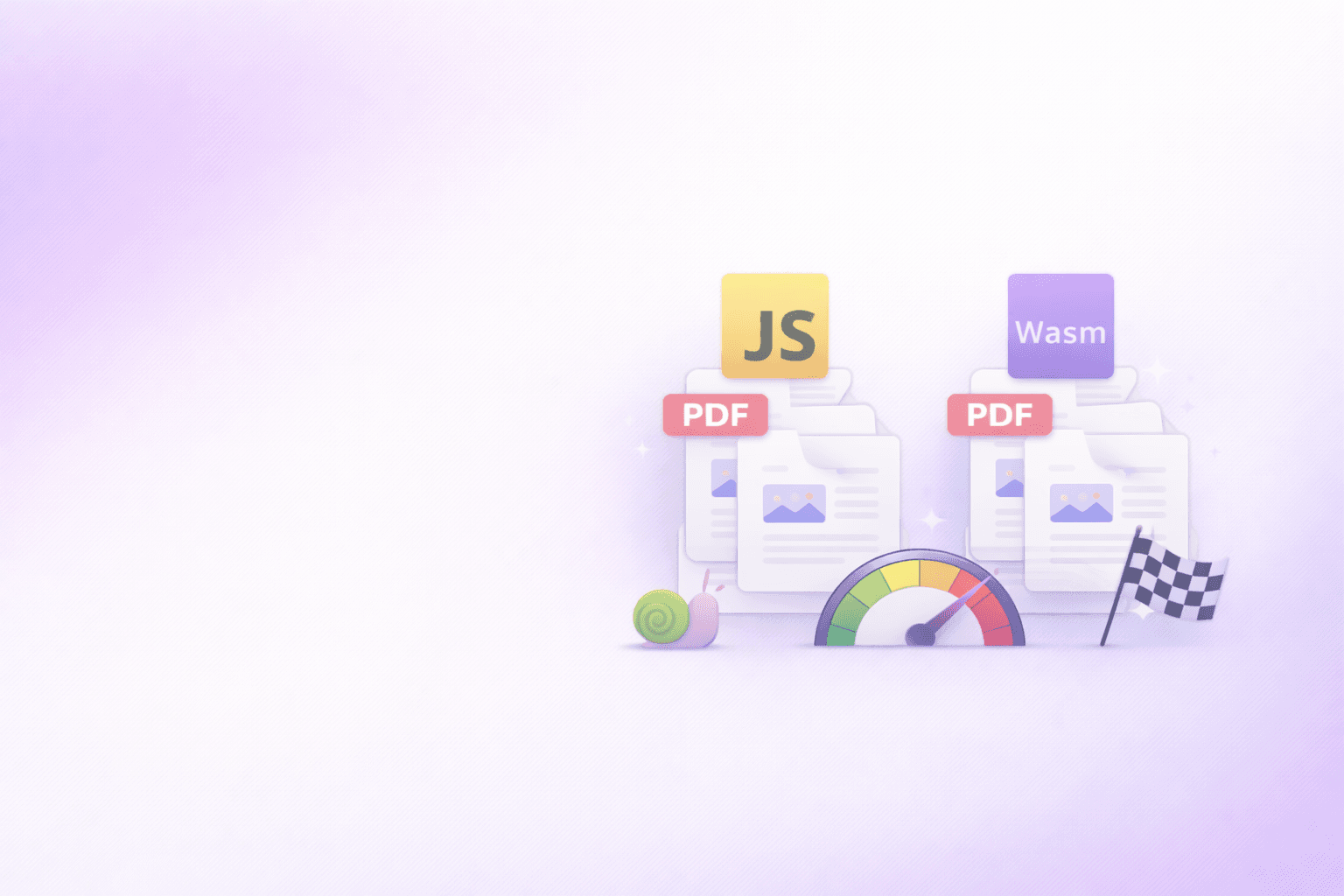
JavaScript vs Wasm: the performance gap that actually matters
Pure JavaScript can manipulate binary data well, especially with ArrayBuffer, TypedArray, and modern JITs. That is why browser PDF tooling has improved so much over the last few years.
But JavaScript still has two structural constraints on heavy binary workloads:
- It lives in a garbage-collected object world.
- It tends to build higher-level wrappers and temporary objects around raw bytes.
Wasm changes the model. Instead of leaning on nested object graphs, it works against linear memory: one contiguous region of bytes that the program addresses by offset. That is a better fit for document engines because PDFs are ultimately binary containers with byte offsets, cross-reference tables, object streams, and repeated copy operations.
Here is the practical difference:
| Concern | JavaScript-heavy path | Wasm-heavy path |
|---|---|---|
| Memory model | Objects plus typed arrays | Contiguous linear memory |
| Binary traversal | More wrapper logic and runtime indirection | Offset-based reads and writes |
| GC pressure | Higher when many temporary objects are created | Lower in hot loops because the engine manages bytes directly |
| Predictability | Good, but more runtime-dependent | Stronger for parse-heavy byte workloads |
| Best fit | Smaller or moderate jobs, UI orchestration, glue code | Parse-heavy, compression-heavy, repeated binary transforms |
This is why client-side Wasm performance matters most once jobs get large. When you are handling 100+ PDFs, the system spends less time “doing app logic” and more time moving and rewriting bytes.
In ShellPDFs' Wasm-backed browser workloads, that large document state is handled as contiguous byte-oriented memory instead of being broken into server upload payloads and remote job artifacts. That is the architectural reason linear memory scales better for heavy local document buffers.
Why linear memory matters once you cross 100 PDFs
Large merges are not hard because merging is conceptually complex. They are hard because the browser has to hold and manipulate a lot of binary material at once.
In a Wasm-friendly pipeline, the ideal path looks like this:
- Read each file as a
Uint8Array. - Store the bytes in a predictable contiguous memory region.
- Record page and object offsets instead of building deep wrapper structures.
- Copy only the object data required for the output PDF.
- Serialize the final document once.
That design reduces three common sources of drag:
- repeated marshaling between abstractions
- fragmented temporary allocations
- expensive GC pauses caused by short-lived intermediate objects
This is the core reason Wasm scales well for binary document work. Linear memory is not an implementation footnote. It is the reason the runtime can treat a PDF more like a byte-addressable file format and less like a pile of nested JavaScript values.
Where ShellPDFs gets speed today
The first performance win in ShellPDFs is architectural, not magical.
The merge path is local-first. Files are read into browser memory, processed in-browser, and returned as a download without a server round trip. That alone removes the highest-friction part of most competing tools.
ShellPDFs also benefits from a practical split of responsibilities:
- Client-side processing handles merge, split, organize, remove, rotate, password protection, Markdown editing, and structured PDF extraction where local execution is the right fit.
- Wasm-backed browser workloads are used where parse/compression behavior benefits from near-native byte handling.
- Server workloads are reserved for jobs that truly need remote compute, such as heavier cloud compression or webpage rendering.
That separation is the real product advantage. The user gets browser speed where browser speed makes sense, rather than being forced into a cloud trip for every file manipulation.
The part most people ignore: upload time is a performance bug
Many PDF tools claim to be “fast” because their backend is fast. That is only half the system.
If the user has to upload 300 MB, wait for the service to queue the job, and then re-download the output, the end-to-end experience is still slow. In document tooling, the network can erase the gains of a fast backend.
ShellPDFs avoids that for local tools. That is why a large Merge PDF or Organize PDF job can feel instantaneous to start. The work begins the moment the browser has the bytes. The same benefit extends to Split PDF and Remove PDF Pages.
If you work with big document sets repeatedly, the ShellPDFs Chrome Extension removes one more source of friction: finding and opening the tool.
A realistic rule for JS and Wasm in PDF tooling
The choice is not “JavaScript bad, Wasm good.” The right rule is simpler:
- Use JavaScript for UI, orchestration, validation, and moderate document work.
- Use Wasm when the hot path is dominated by binary parsing, compression, or repeated in-memory transforms.
- Keep the whole workflow local when the task does not need a server.
That is how modern browser software wins. It uses the web platform for what it is good at and reaches for Wasm where the byte-level workload demands it.
In other words, the real comparison is not just JavaScript vs Wasm. It is cloud latency vs local execution, and object-heavy runtimes vs linear-memory runtimes. ShellPDFs is fast because it chooses the local path first and only reaches for remote infrastructure when the job truly needs it.
Try Merge PDF in the browser and feel the difference that zero-upload processing makes.
Open Merge PDF →The performance model that holds up in practice
For large document batches, the fastest architecture is usually:
- local-first
- byte-efficient
- explicit about when servers are involved
That is the performance story users actually experience. WebAssembly PDF processing raises the ceiling for heavy workloads. Client-side processing removes the network penalty. Together, they make large browser merges viable without turning every PDF job into a cloud round trip.
Frequently Asked Questions
ShellPDFs Team
The ShellPDFs editorial group writes and maintains guides for everyday PDF workflows, with updates made when tool behavior or documented limits change. See our editorial standards for the process behind each article.
Focus: Browser-side PDF processing and performance engineering
Questions or feedback? Get in touch.