Cloud-based PDF tools are a compliance liability when they turn routine document formatting into third-party data processing. Once a contract, HR file, or customer record leaves the browser, it can enter retention, logging, support, backup, or AI enrichment systems. For SOC 2 and GDPR teams, that is unnecessary exposure today.
Cloud-based PDF tools look harmless because the workflow is simple: upload, wait, download. But the upload step is the compliance event. That is where a single utility can become a new processor, a new retention surface, and a new source of non-consented data risks for security, legal, and procurement teams.
Why cloud-based PDF tools expand your compliance surface
The compliance problem is not the PDF itself. It is the data flow around it.
Under GDPR, the moment a file is uploaded to a third-party service, you now have to think about processor scope, lawful purpose, data minimization, storage limitation, subprocessor disclosure, and deletion guarantees. Under SOC 2, that same upload can create new questions about access control, audit evidence, change management, incident response, and confidentiality controls. A “quick PDF tool” stops being quick the moment your reviewer asks where the document went, who could access it, and how long it lived after processing.
This is where privacy drift shows up. A tool may begin as a plain converter, then slowly add behavior around it: analytics replay, debugging logs, support snapshots, malware scanning, content classification, or AI enrichment. None of those layers are automatically malicious. They are simply more places for sensitive bytes to exist. That is why SOC2 document compliance is easier when teams can prove data locality instead of negotiating exceptions after the fact.
If you want the broader product breakdown, the ShellPDFs security overview explains which workflows stay entirely in-browser and which ones intentionally use secure server-side processing.
The dirty data problem in the LLM era
In 2026, the risk is not only “Will this vendor train on my file?” The deeper issue is whether the upload becomes dirty data: document content or extracted text that ends up in systems the user never explicitly approved.
Modern Document Intelligence stacks rarely stop at storage. A single upload may pass through OCR, classification, redaction, summarization, vector indexing, support triage, or eval tooling for LLM features. Even when a vendor says “we do not train on customer documents,” that still leaves other copies to reason about: logs, prompt traces, backups, and human review workflows. For regulated teams, that is the real cost of convenience.
The risky moment is not only model training. It is the first uncontrolled copy: a log entry, a replay tool, a support export, or an AI enrichment step that was never part of the user's expectation.
Why browser-based privacy fits SOC2 document compliance
The cleanest answer is architectural, not contractual: keep the document on the device whenever the task allows it.
That is what browser-based privacy means in practice. The app loads the PDF into the tab, performs the transformation locally, and returns the result directly to the user. No file upload means no document object in remote storage, no queue payload, no worker copy, and no extra retention window to justify during review.
For ShellPDFs' browser-based tools, the promise is intentionally narrow and clear: your data never leaves your browser. That is true for local workflows such as Merge PDF, Remove PDF Pages, Organize PDF, Rotate PDF, and Password Protect PDF. From a compliance standpoint, this is privacy by design: the safest data flow is the one the system never creates.
This matters for SOC2 document compliance because evidence gets simpler. Instead of proving that the vendor deleted the file correctly, you can often show that the browser-based workflow never uploaded it in the first place.
How It Works: client-side processing and privacy by design
Client-side processing is not a marketing slogan. It is a technical decision about where the bytes live and which runtime touches them.
In a browser-first PDF tool, the flow looks like this:
- The user selects a file from the device.
- The browser reads the file into local memory inside the tab.
- JavaScript and Wasm modules parse, reorder, merge, rotate, or encrypt the document locally.
- The browser creates a new file blob and downloads the result back to the device.
- When the tab closes, the in-memory copy disappears with it.
What is missing from that list is the important part: no upload request carrying the PDF body, no remote job queue, no object storage bucket, and no “download link expires in one hour” artifact to explain.
ShellPDFs uses this pattern where it makes sense because it aligns with privacy by design. It is especially strong for document assembly and cleanup tasks where the work is deterministic and fits comfortably inside the browser runtime. That is also why local tools feel fast. There is no round trip for the file itself, only computation in the tab.
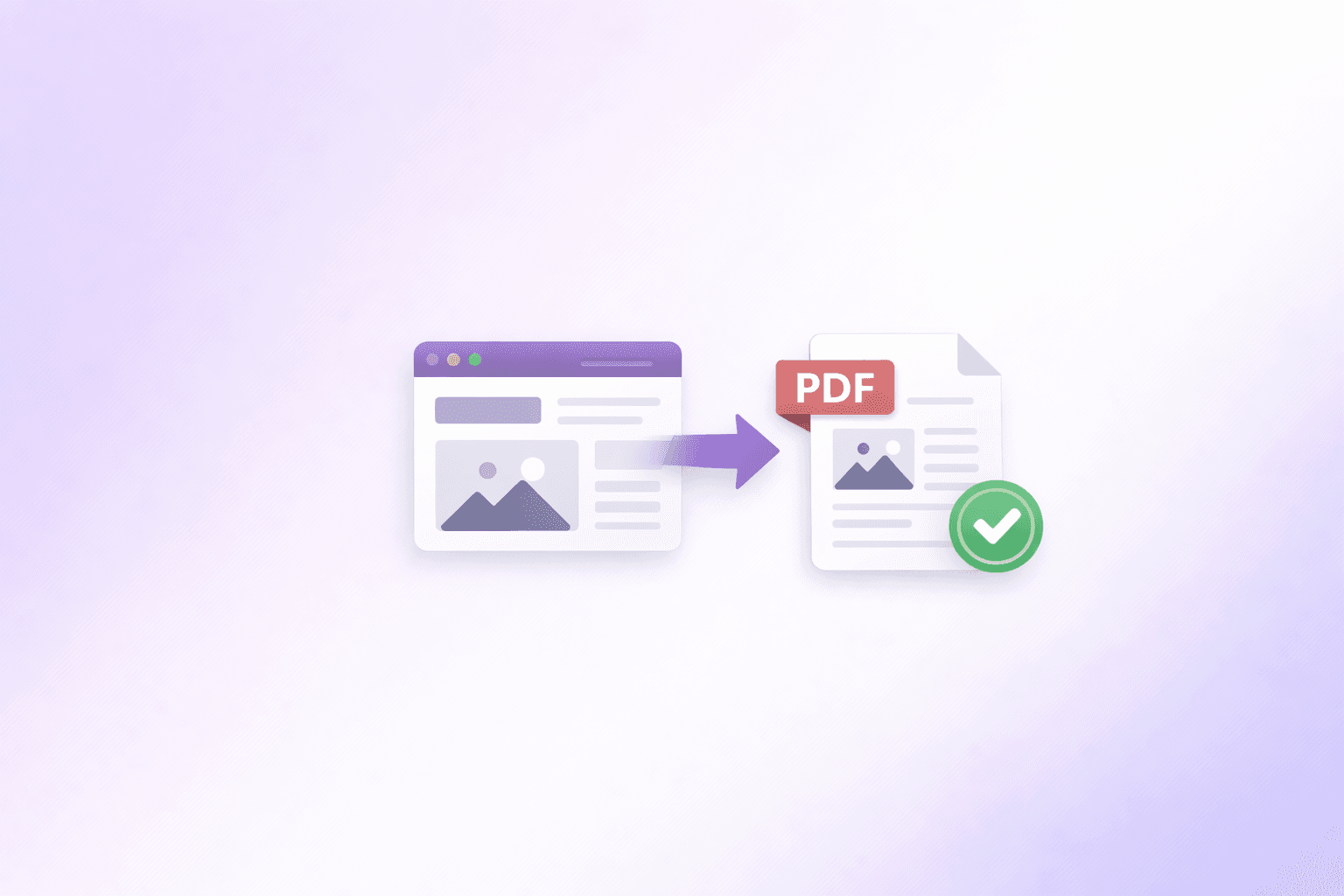
Not every workflow belongs here. Rendering a public webpage to PDF or running heavy server-grade compression can still require remote compute. The key is separation: local tasks should stay local, and remote tasks should be clearly labeled as remote instead of hidden behind the same generic upload box.
Traditional Cloud-based PDF Tools vs ShellPDFs (Client-side)
If you are comparing architectures rather than marketing copy, the tradeoff looks like this:
| Concern | Traditional Cloud-based PDF Tools | ShellPDFs (Client-side) |
|---|---|---|
| Where the file goes | Uploaded to a remote API, queue, or storage layer | Stays in browser memory for local workflows |
| GDPR processor scope | New processor and possible subprocessor review for each workflow | Reduced for browser-based tools because the file is not transmitted |
| AI / LLM exposure | Possible downstream exposure to logs, enrichment, replay, or model-adjacent systems | No document upload for local tools, so no server-side document copy to reuse |
| Retention burden | Must verify deletion window, backups, and support access | No file-level retention on the server for client-side tools |
| Audit narrative | “Trust the vendor's controls and evidence” | “The file never left the device for this workflow” |
| Speed for routine edits | Network latency plus processing latency | Usually immediate for merge, split, reorder, and protection tasks |
| Best fit | Public, low-sensitivity documents or compute-heavy jobs | Sensitive contracts, HR files, finance docs, and internal PDFs |
This table applies specifically to ShellPDFs' browser-based workflows. When a task genuinely needs secure remote compute, treat that as a separate data flow and review it on its own terms.
A practical local-first workflow for sensitive PDFs
A good policy is not “never use servers.” It is “use the smallest data flow that solves the task.”
For most internal PDF work, that means:
- Trim first. If the document contains pages that do not need to be shared, remove sensitive pages locally before anything else.
- Assemble locally. If the final packet needs to be combined, merge the remaining pages in your browser rather than uploading each file to a generic cloud utility.
- Lock the output. Before sending the finished file onward, encrypt it in-browser with Password Protect PDF so the final artifact is protected at rest.
- Upload only the minimum necessary. If you truly need a remote conversion step later, send the scrubbed version, not the original bundle.
That workflow lowers exposure without adding operational drag. It also gives security teams a cleaner answer during vendor review: the most sensitive preparation stages happened locally.
If your team uses ShellPDFs often, keep the local-first workflow one click away with the browser extension rather than searching for a converter every time.
Keep privacy-first PDF workflows one click away in Chrome or Edge.
Try the Chrome Extension →When server-side processing is still reasonable
A privacy-first architecture should be honest about limits. Some jobs are a better fit for remote compute, especially when they require a full browser renderer or heavier processing infrastructure.
The right question is not “cloud or no cloud?” It is “does this task justify remote processing, and are the controls explicit?” If you are converting a public marketing page to a PDF, a server-side renderer can be perfectly reasonable. If you are archiving a logged-in dashboard or a document containing employee data, it is not. For that distinction, the webpage-to-PDF guide is a useful reference: public pages can be rendered remotely; private sessions should stay in your own browser.
ShellPDFs is strongest when teams choose the right model for the right task. Browser-based tools stay browser-based. Secure server-side tools are separated and described as such. That clarity is what prevents convenience from turning into privacy drift.
The safer default in 2026
Compliance teams do not need more document vendors. They need fewer unexplained data flows.
That is why browser-based privacy is becoming the safer default for everyday PDF work. When the task can run locally, keep it local. When remote processing is unavoidable, make it deliberate, minimal, and visible. Start with the architecture that keeps the file on the device, then expand only when the job truly demands it.
Frequently Asked Questions
ShellPDFs Team
The ShellPDFs editorial group writes and maintains guides for everyday PDF workflows, with updates made when tool behavior or documented limits change. See our editorial standards for the process behind each article.
Focus: Privacy-first PDF workflows and secure document processing
Questions or feedback? Get in touch.