Direct Answer
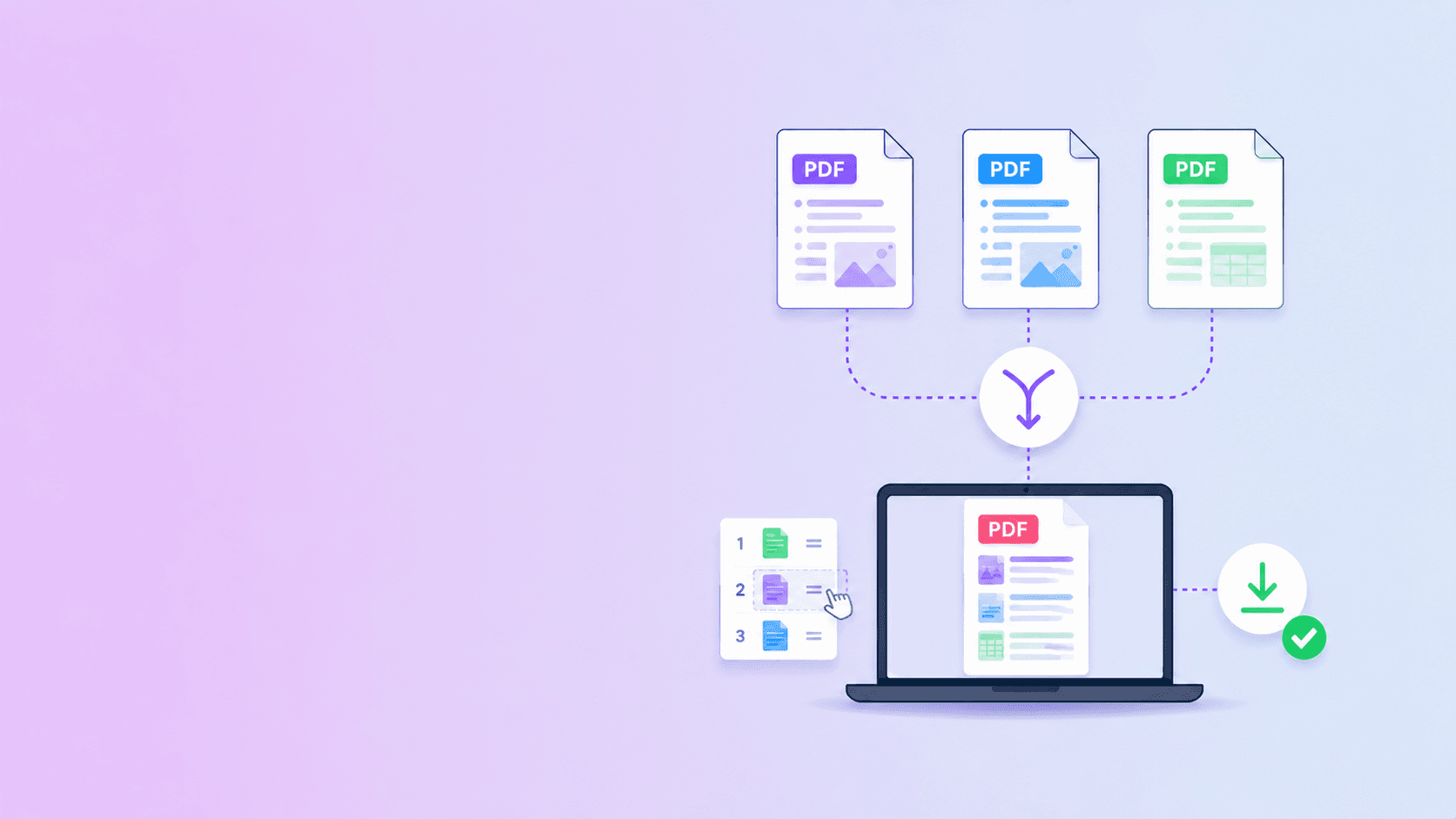
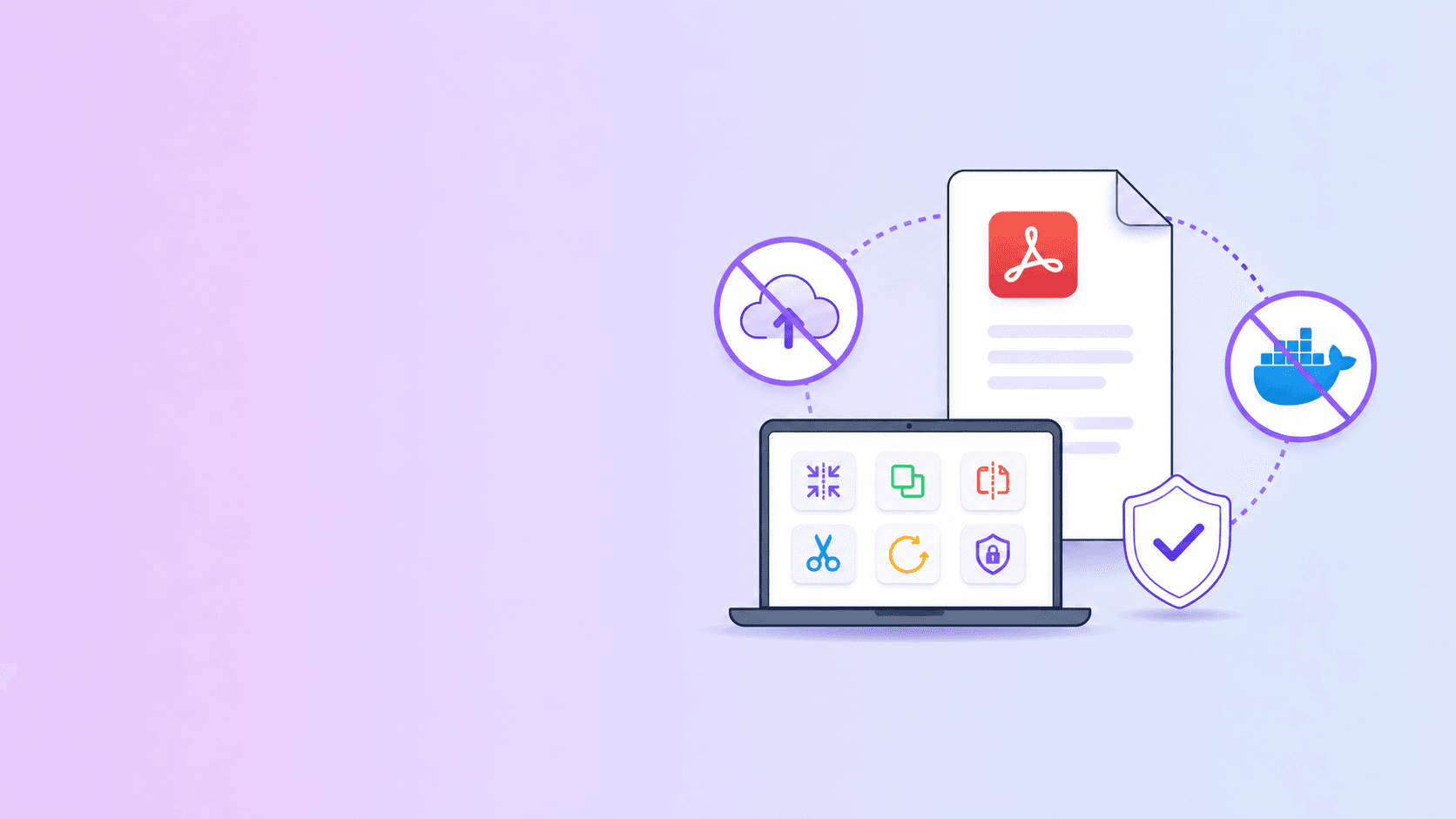
The best Stirling PDF alternative without Docker is a browser-based PDF toolkit when your main goal is simple document work without infrastructure. ShellPDFs is a practical option for users who want to merge, split, remove, rotate, organize, compress, OCR, or protect PDFs without spinning up containers.
Stirling PDF is useful when you want a self-hosted PDF server. ShellPDFs is useful when you want the task done in the browser with no Docker setup.
Why People Look for a Stirling PDF Alternative
Self-hosted PDF tools solve a real problem: they keep document processing under your control. But self-hosting has a cost.
You may need to:
- Install Docker.
- Configure volumes.
- Manage updates.
- Expose or protect a web service.
- Handle authentication.
- Monitor resource usage.
- Train users.
- Troubleshoot failed conversions.
For a sysadmin, that may be acceptable. For an employee who just needs to shrink a file or delete a page, it is too much overhead.
ShellPDFs vs Self-Hosted PDF Tools
| Need | Better fit |
|---|---|
| No Docker setup | ShellPDFs |
| One-off PDF cleanup | ShellPDFs |
| Merge or split locally | ShellPDFs |
| Internal company-only deployment | Self-hosted stack |
| Automation behind a firewall | Self-hosted stack or API |
| Full control over infrastructure | Self-hosted stack |
| No maintenance | ShellPDFs |
The choice is not ideological. It is operational.
When ShellPDFs Is the Better Fit
ShellPDFs is a better fit when:
- You do not want to install anything.
- You need a tool that works from a browser.
- You are helping non-technical users.
- The task is interactive and visual.
- You want local processing for common page operations.
- You do not want to maintain a server.
For example, deleting two pages from a scanned form should not require an internal Docker service. Merging three PDFs for an application should not require a command line.
When Stirling PDF or Self-Hosting Is Better
Self-hosting may be better when:
- Company policy forbids external web apps.
- You need internal-only access.
- You need automation at scale.
- You need exact control over versions.
- You need a custom toolchain.
- You have IT staff to maintain it.
- You want every job to run inside your infrastructure.
If your organization has a mature internal platform team, a self-hosted PDF suite can be a strong answer.
Browser-Based Privacy Without Docker
The reason browser tools are interesting is that they avoid both extremes:
- You do not upload the file to a random cloud converter.
- You do not maintain a private PDF server.
For supported tasks, the browser itself becomes the processing environment. The file is read locally, transformed locally, and downloaded locally.
ShellPDFs uses this model for many common tools:
- Merge PDF
- Split PDF
- Remove PDF Pages
- Organize PDF
- Rotate PDF
- Password Protect PDF
- OCR PDF
- Markdown to PDF
What Browser Tools Cannot Always Replace
Browser tools are not magic. They may be limited by:
- Device memory.
- Browser compatibility.
- Very large PDFs.
- Advanced conversion needs.
- Complex batch automation.
- Strict enterprise audit requirements.
For those cases, use a server-side workflow. The point is to avoid server work when it is unnecessary, not to pretend servers are never useful.
Recommended Workflow Without Docker
If you do not want to self-host, use this decision tree:
- Is the task merge, split, rotate, remove, organize, or password protect? Use a browser-local ShellPDFs tool.
- Is the task basic compression? Try private compression first.
- Is the file still too large? Consider stronger server compression if the document is safe to upload.
- Is the task webpage capture or PDF to Word? Use a trusted server workflow.
- Is the workflow repeated at scale? Consider an API or self-hosted system.
Key Takeaway
Stirling PDF is a good fit for teams that want self-hosted PDF infrastructure. ShellPDFs is a better fit for users who want no-install, no-Docker, browser-based PDF tools for everyday work.
If you are trying to avoid both cloud uploads and Docker maintenance, start with the browser-local tools on ShellPDFs.
Frequently Asked Questions
ShellPDFs Editorial Desk
ShellPDFs Editorial Desk is the byline we use for product-tested guides reviewed against the live tool flow, privacy boundaries, and file-handling rules before publication. See our editorial standards for the process behind each article.
Focus: PDF tool architecture, self-hosted workflows, and browser-based alternatives
Questions or feedback? Get in touch.