Direct Answer
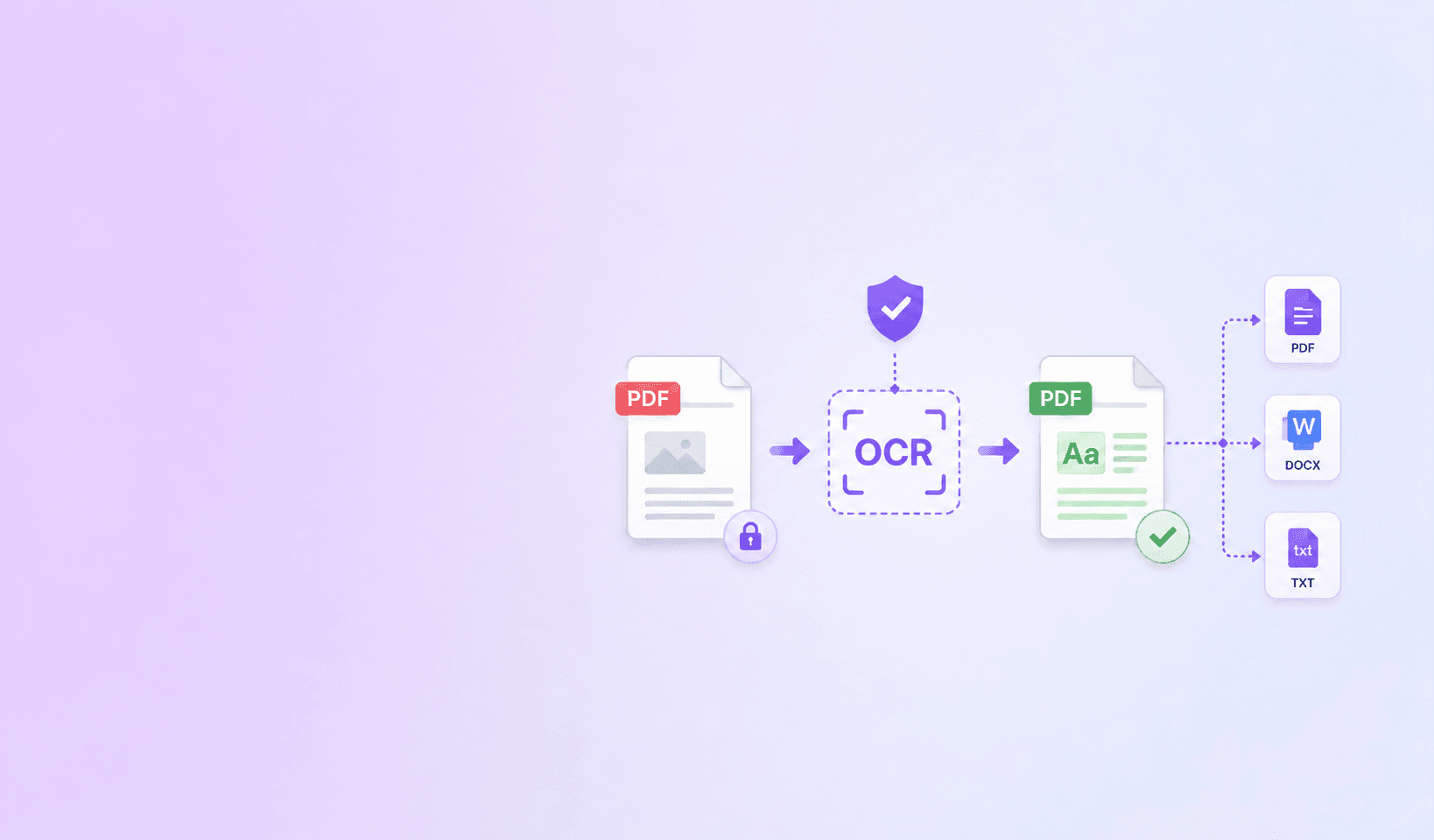
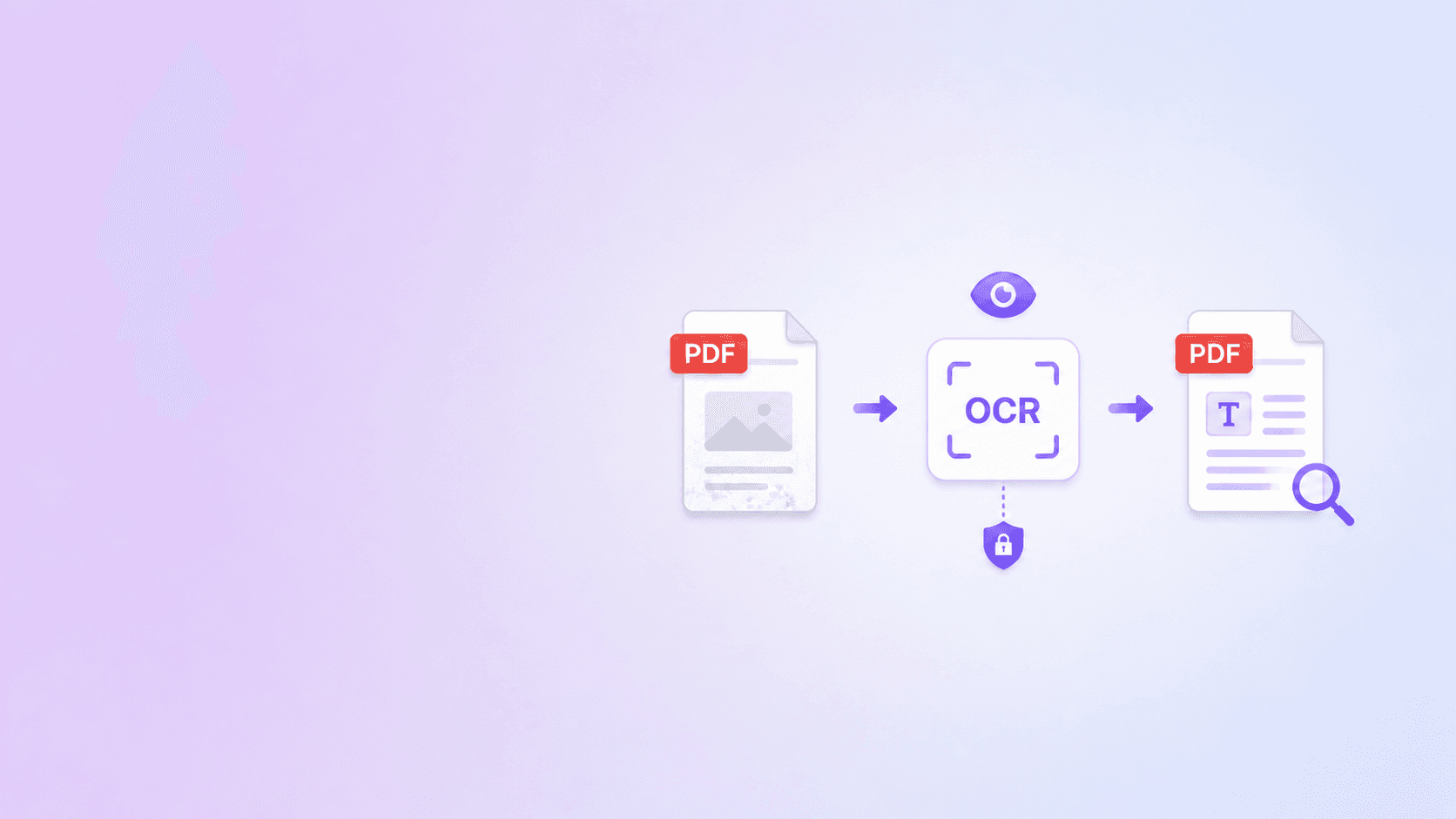
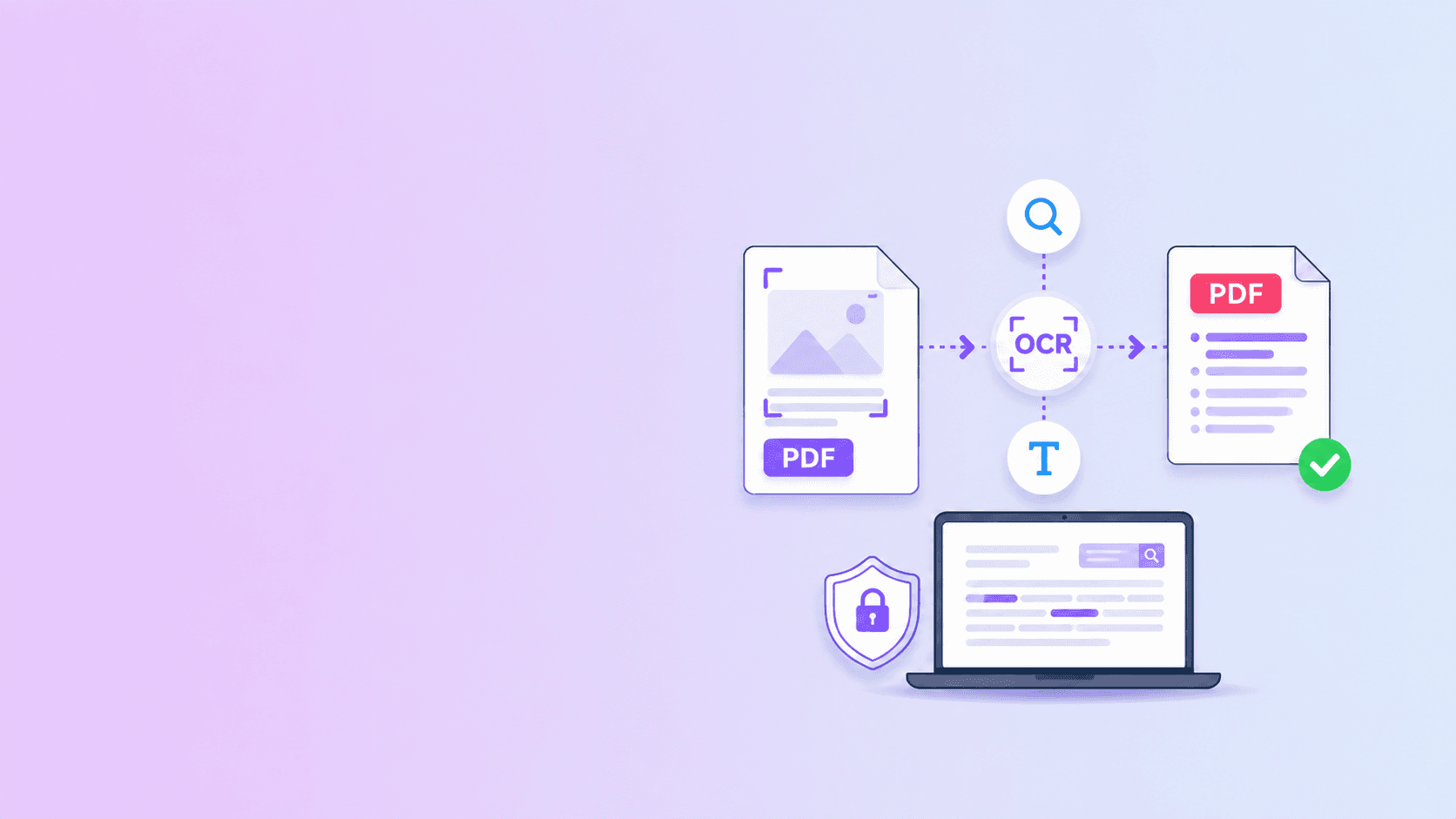
You can make a scanned PDF searchable for free by running OCR. OCR reads the image of each page, recognizes the words, and adds a hidden text layer so the PDF can be searched, copied, and indexed.
Use OCR PDF when you want a browser-based workflow for clear English scanned PDFs.
Why Scanned PDFs Are Not Searchable
A normal digital PDF contains text objects. Your PDF viewer can search those words because they exist as actual text.
A scanned PDF is different. Each page is usually a picture. It may look like text to you, but to the computer it is only pixels. Search fails because there are no text objects to search.
OCR solves this by adding recognized text to the PDF.
How to Check Whether a PDF Needs OCR
Open the PDF and try these quick tests:
- Drag across a sentence. If the whole page highlights like an image, it needs OCR.
- Search for a word you can clearly see on page one.
- Try copying a paragraph into a text editor.
- Check whether your viewer can select individual words.
If these tests fail, the file is probably image-only.
Step-by-Step: Make a Scanned PDF Searchable
- Open OCR PDF.
- Choose the scanned PDF.
- Wait while pages are analyzed.
- Let OCR run on pages without usable text.
- Download the searchable PDF.
- Search for names, dates, and headings.
- Keep the original scan if it is an official record.
The output should look like the original scan but behave more like a digital document.
How OCR Adds a Text Layer
OCR does not usually replace the visible page. Instead, it:
- Renders or reads the scanned page image.
- Detects lines, words, and characters.
- Estimates where each word appears.
- Adds invisible or selectable text in the same page area.
- Saves the result as a searchable PDF.
This is why the page can still look like the original scan while search starts working.
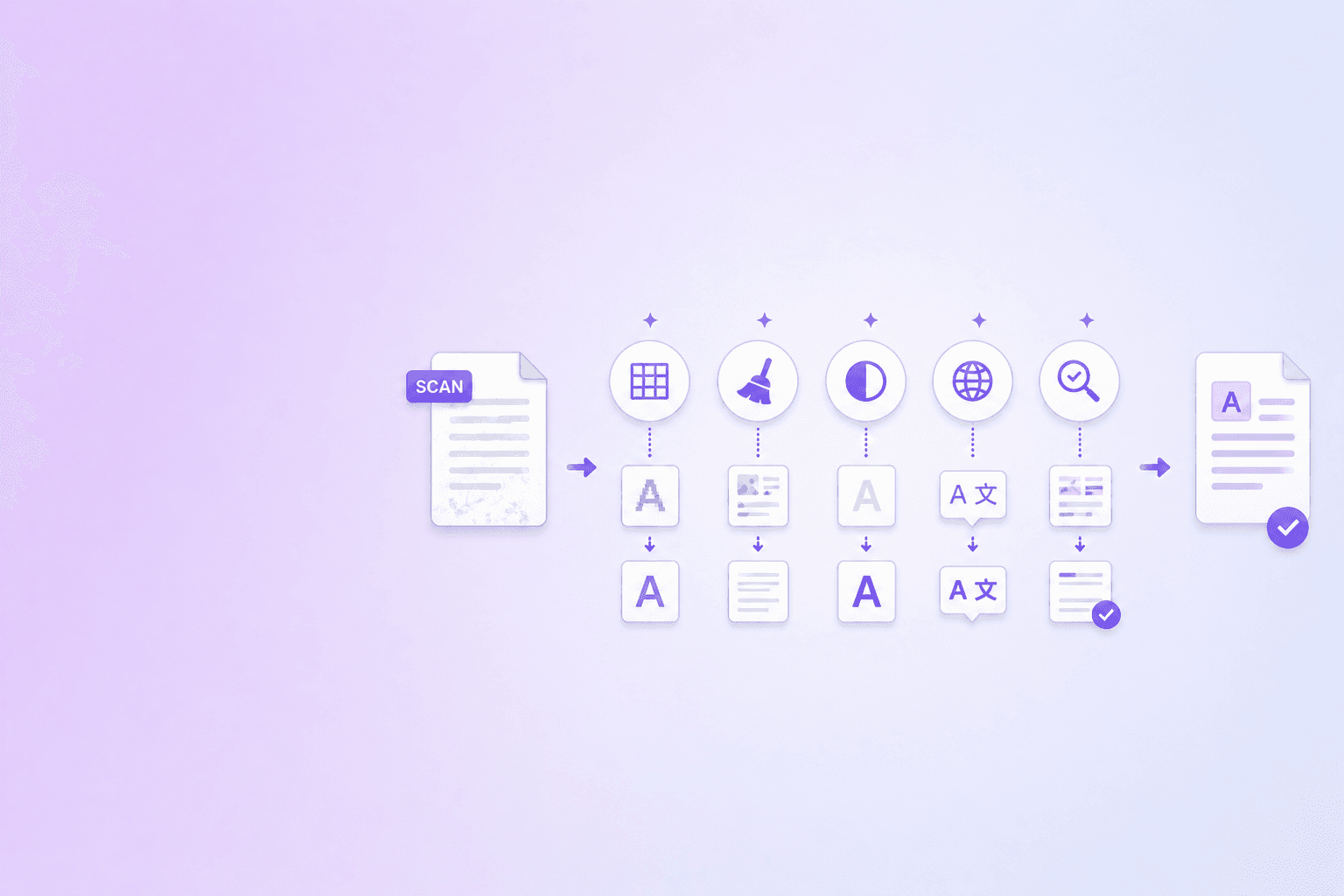
How to Improve OCR Accuracy
OCR works best when the source scan is clean.
Before processing, check for:
- Sideways pages.
- Crooked scans.
- Blurry camera photos.
- Low contrast.
- Shadows near the page edge.
- Cut-off margins.
- Tiny text.
- Handwriting.
- Heavy compression artifacts.
If the scan is sideways, rotate it first with Rotate PDF. If the file is very large, run OCR first, then compress the searchable output if needed.
What OCR Is Good For
OCR is useful when you need to:
- Search scanned contracts.
- Copy text from old documents.
- Find names or dates quickly.
- Index archives.
- Create searchable school notes.
- Prepare scanned PDFs for review.
- Extract text for simple workflows.
It is less reliable for handwriting, complex tables, stamps, signatures, faded scans, or low-quality phone photos.
Privacy: Should You Upload a Scanned PDF for OCR?
Scanned PDFs often contain sensitive information because people scan official documents:
- IDs.
- Medical forms.
- Tax documents.
- Bank statements.
- Legal paperwork.
- Employee records.
If your OCR task can run locally in the browser, that is safer than uploading the scan to a cloud OCR service. Server OCR may be necessary for very large batches or advanced multilingual workflows, but ordinary searchable PDF creation does not always require it.
How to Verify the Searchable PDF
After OCR, do not assume everything is perfect. Test the output:
- Search for the title.
- Search for a date.
- Search for a name.
- Copy a paragraph.
- Compare important numbers against the visible scan.
- Check any page that looks blurry or skewed.
For legal, medical, financial, or compliance work, OCR should support review, not replace it.
Key Takeaway
A scanned PDF becomes searchable when OCR adds a text layer. For clear scans, a free browser-based OCR workflow is often enough.
Start with OCR PDF, review the result, and keep the original scan when document authenticity matters.
Frequently Asked Questions
ShellPDFs Team
The ShellPDFs editorial group writes and maintains guides for everyday PDF workflows, with updates made when tool behavior or documented limits change. See our editorial standards for the process behind each article.
Focus: Browser OCR workflows, searchable PDF exports, and scanned document quality review
Questions or feedback? Get in touch.